
Baby wake window calculator
Find your baby’s next nap window from their age and the time they woke up.
Wake windows at a glance
- 0–1 month
- 30–60 min
- 1–2 months
- 60–90 min
- 3–4 months
- 1 hr 15 min – 2 hr
- 5–6 months
- 2 hr – 2 hr 45 min
- 7–9 months
- 2 hr 30 min – 3 hr 30 min
- 10–13 months
- 3 hr – 4 hr
- 14–18 months
- 4 hr – 5 hr 30 min
Free, no sign-up. The same ranges the Wake Window app uses.
When is the next nap?
Next nap window
Pick your baby’s age
Then add the time they woke up. The next nap window appears right here.
Wake windows by age
Wake windows change quickly during the first year.
A newborn is often ready to sleep again within an hour. By their first birthday, many babies are happy awake for three or four. Tap an age for its own page, with an example day and a calculator set to that age.
- Newborn30–60 min
- 1 month60–90 min
- 2 months60–90 min
- 3 months1 hr 15 min – 2 hr
- 4 months1 hr 15 min – 2 hr
- 5 months2 hr – 2 hr 45 min
- 6 months2 hr – 2 hr 45 min
- 7 months2 hr 30 min – 3 hr 30 min
- 8 months2 hr 30 min – 3 hr 30 min
- 9 months2 hr 30 min – 3 hr 30 min
- 10 months3 hr – 4 hr
- 11 months3 hr – 4 hr
- 12 months3 hr – 4 hr
How it works
Wake-up time plus the wake window for your baby’s age.
A wake window is the time your baby is awake between sleeps, counted from the moment they wake up. It includes feeds, changes and play. Offering the next nap inside that window, before your baby is overtired, often makes settling easier.
The range is a starting point. Your baby’s cues matter more than the clock: yawning, rubbing eyes or turning away can all mean they’re ready sooner. More on what a wake window is.
The Wake Window app
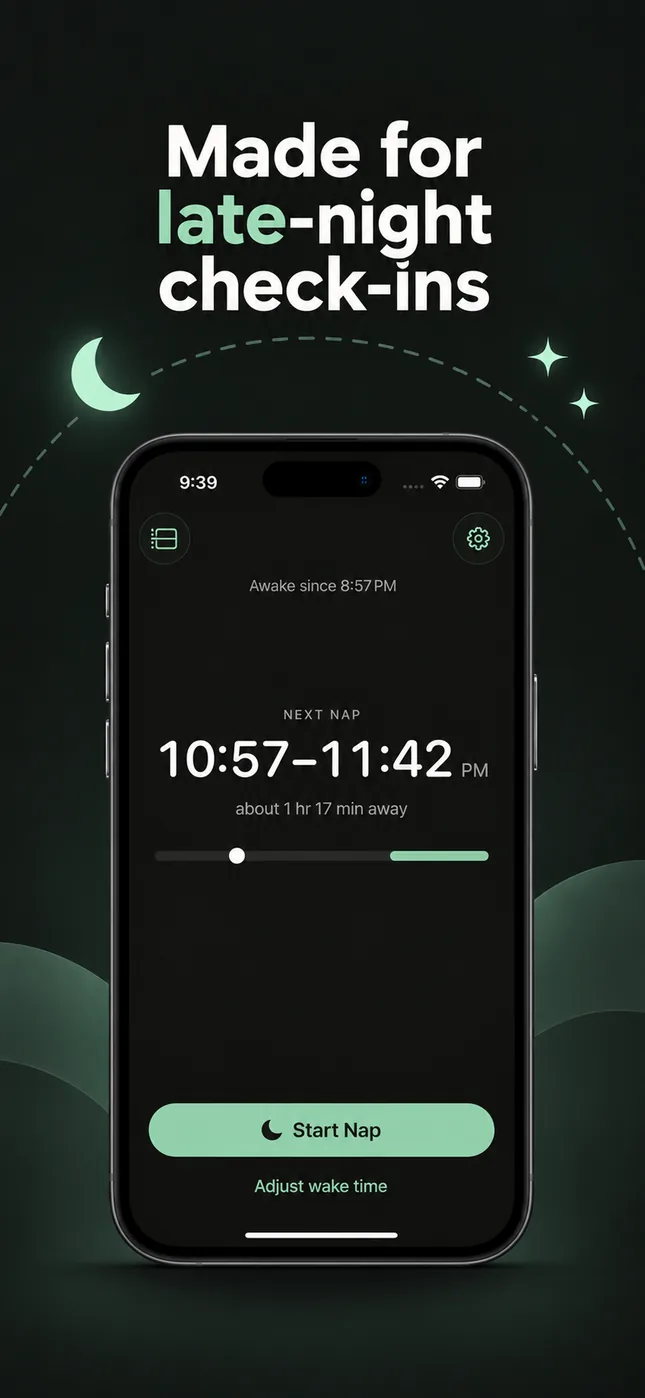
This page answers one nap. The app keeps up with all of them.
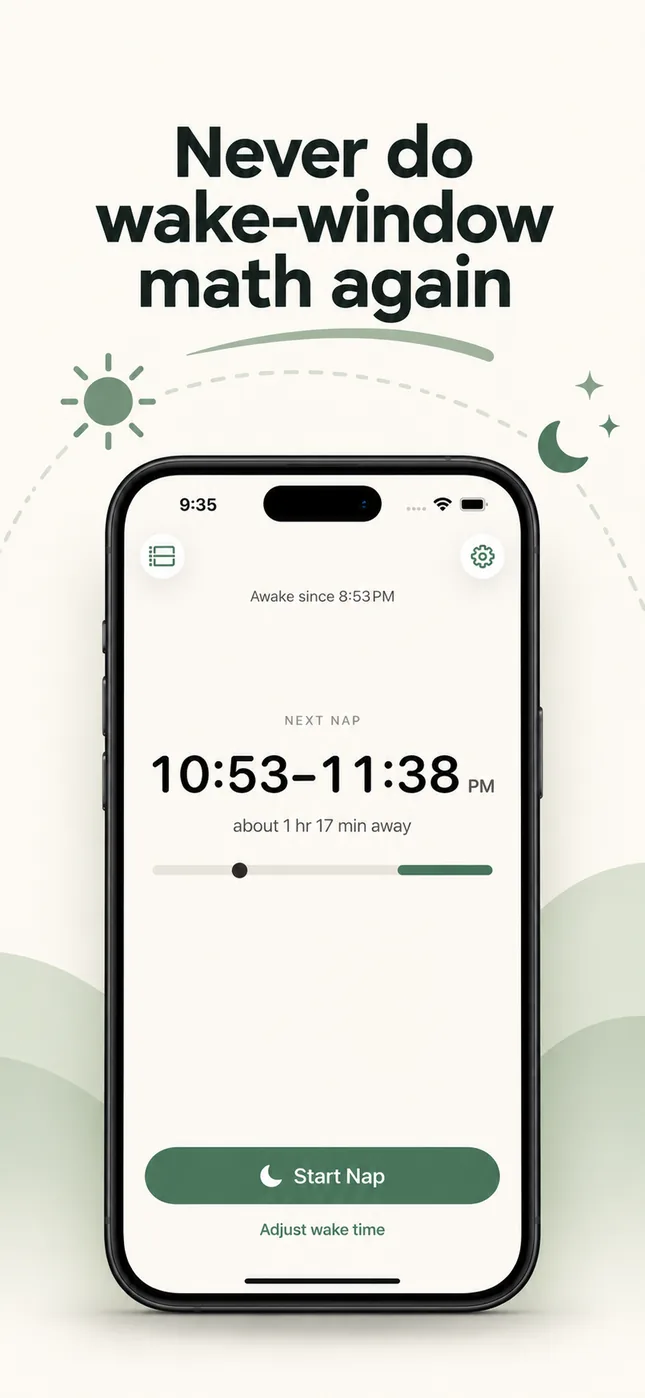
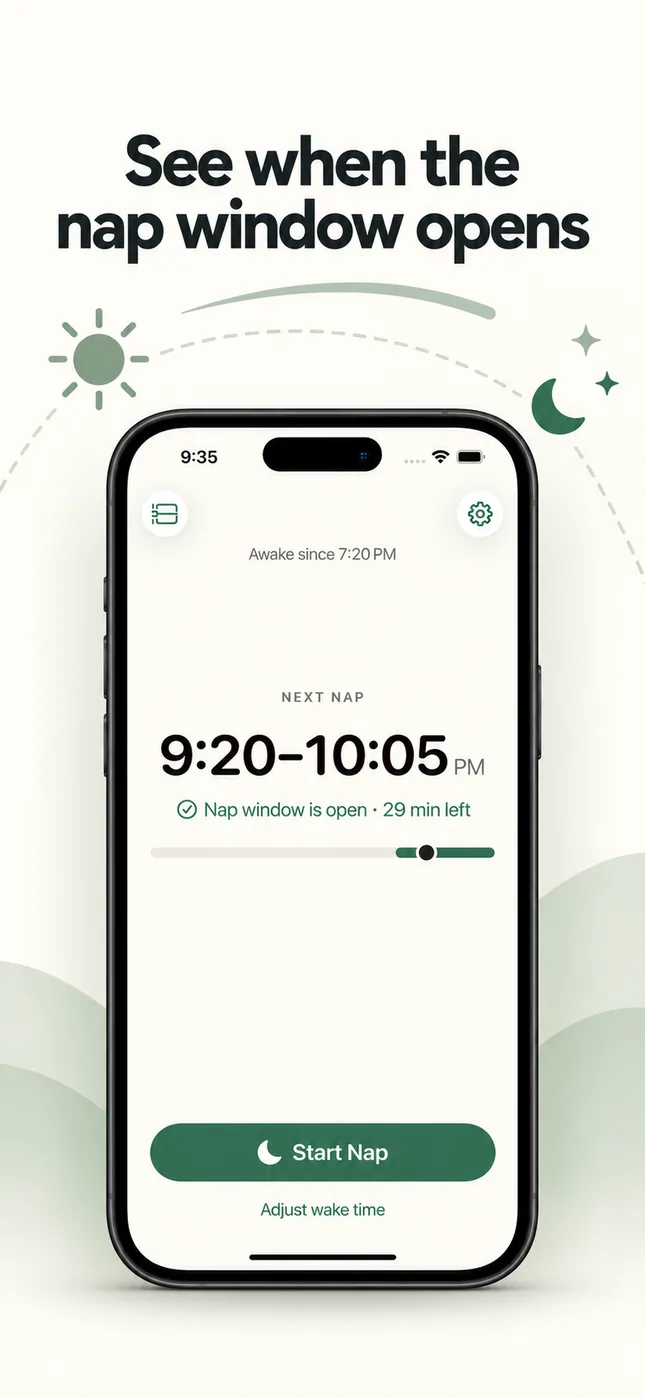
- One tap when your baby wakes“Baby Woke Up” starts the clock. “Start Nap” when they drift off.
- The next nap on your Lock ScreenA Live Activity keeps the window visible without unlocking.
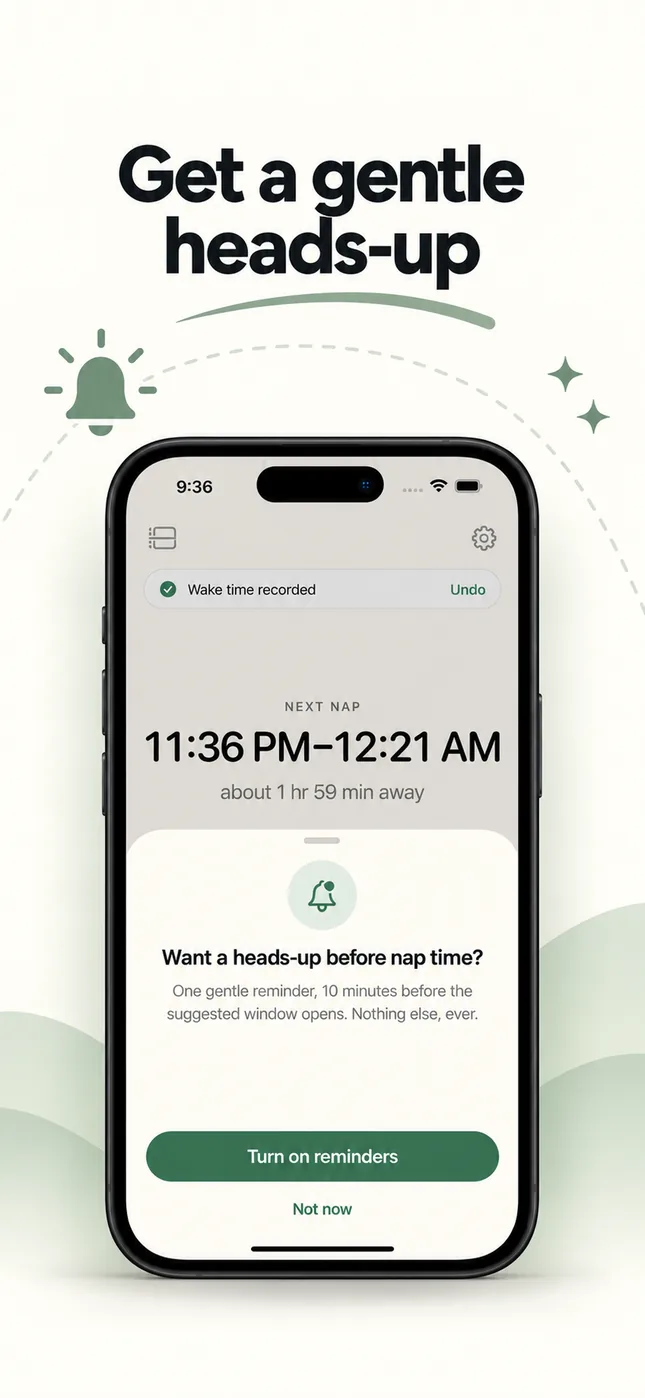
- A gentle heads-upOne optional reminder shortly before the window opens.
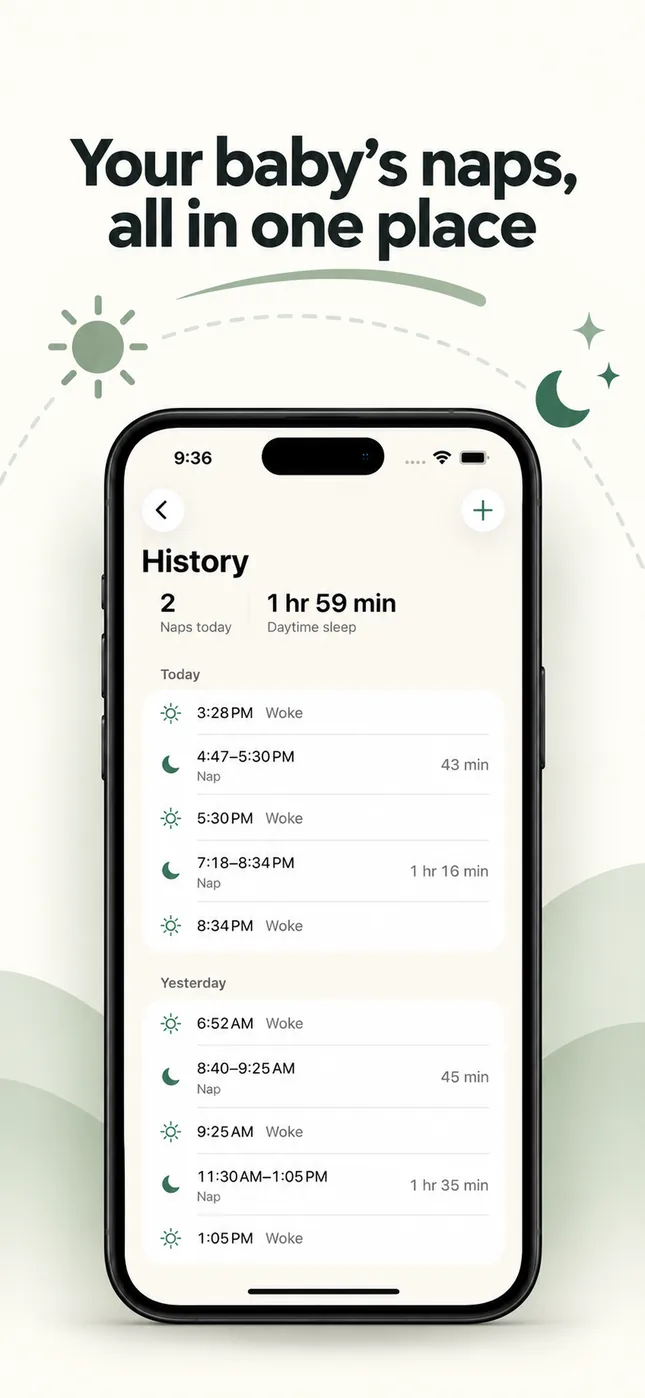
- The day at a glanceEvery wake and nap, plus how much daytime sleep your baby got.
- Your baby, not the chartSet a custom wake window whenever the age range doesn’t fit.
No account, no ads. Your baby’s information stays on your iPhone.

Free to download. Ongoing use needs Wake Window Plus, with a free trial for new subscribers.
Common questions
What is a wake window?
A wake window is the stretch of time your baby is awake between one sleep and the next. It's counted from the moment they wake up to the moment they fall asleep again, feeds and diaper changes included.
How does the calculator work?
It adds your baby's typical wake window to the time they woke up. For a 4-month-old who woke at 10:10 AM, a 1 hr 15 min to 2 hr window gives a next nap window of 11:25 AM to 12:10 PM.
Where do the wake-window ranges come from?
They're the same age-based starting ranges the Wake Window app uses, drawn from publicly available guidance from sources such as Cleveland Clinic and the Sleep Foundation. They're typical ranges, not rules.
Is the calculator free?
Yes. There's no sign-up and nothing to download. The calculation runs in your browser and nothing you enter is sent anywhere.
What does the Wake Window app add?
The app keeps doing this all day: one tap when your baby wakes, the next nap window on your Lock Screen, an optional heads-up before it opens, and a simple history of naps.
Does this replace advice from my pediatrician?
No. Wake windows are general planning guidance. Every baby is different, so follow your baby's cues and talk to your pediatrician about any concerns with sleep, feeding, development or health.
